AI Visual Workflow Builder: A Practical Buyer's Guide
A feature checklist for separating impressive AI demos from workflow software that remains controllable, testable, and economical after deployment.
Read articlePractical articles about AI-assisted workflow building, browser automation, reliable execution, troubleshooting, and the Runavelo open-source client.
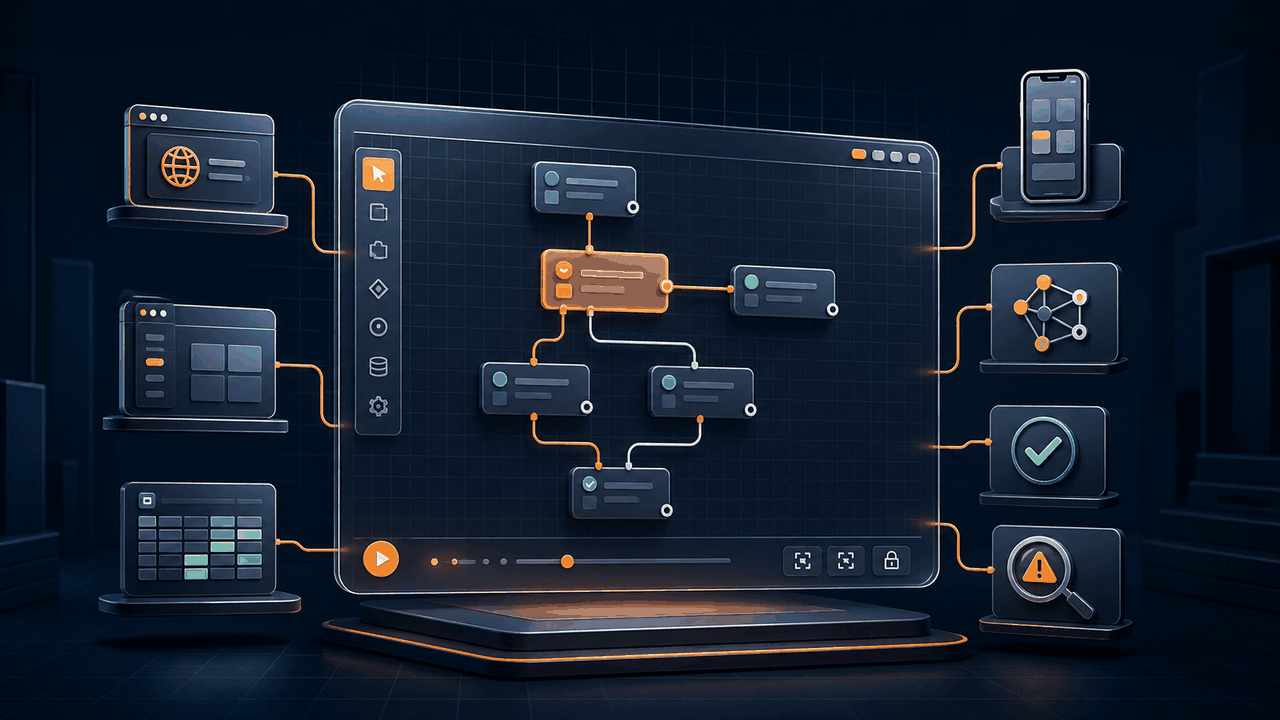
A feature checklist for separating impressive AI demos from workflow software that remains controllable, testable, and economical after deployment.
Read article
A practical blueprint for moving data safely between websites, Windows applications, files, and Excel without building a fragile chain of clicks.
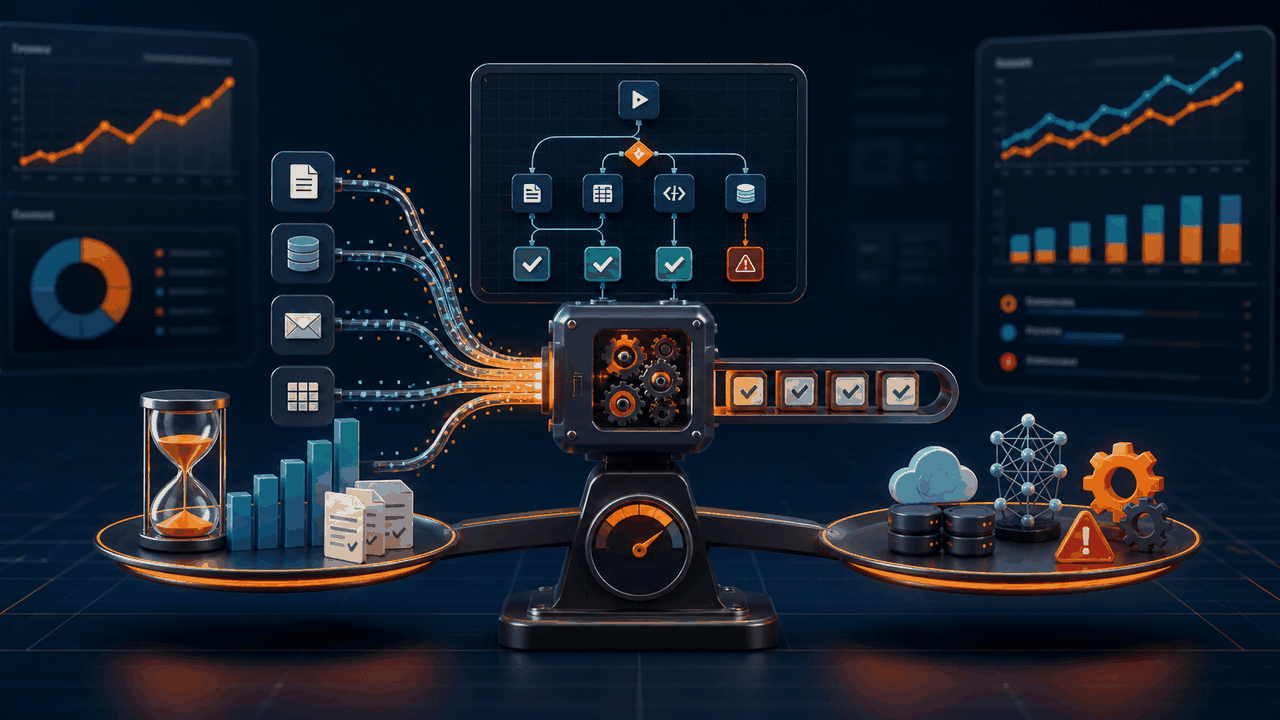
A practical measurement framework for deciding which workflows to automate, validating a pilot, and avoiding savings that disappear in maintenance.

A practical architecture for turning changing web pages into clean Excel data without depending on a one-off script or copying rows by hand.

Local execution can improve data control, but only when every storage, model, website, API, and logging boundary is understood and deliberately configured.

A neutral evaluation guide for individuals who need visual automation without designing their workflow around an enterprise tenant or one AI provider.
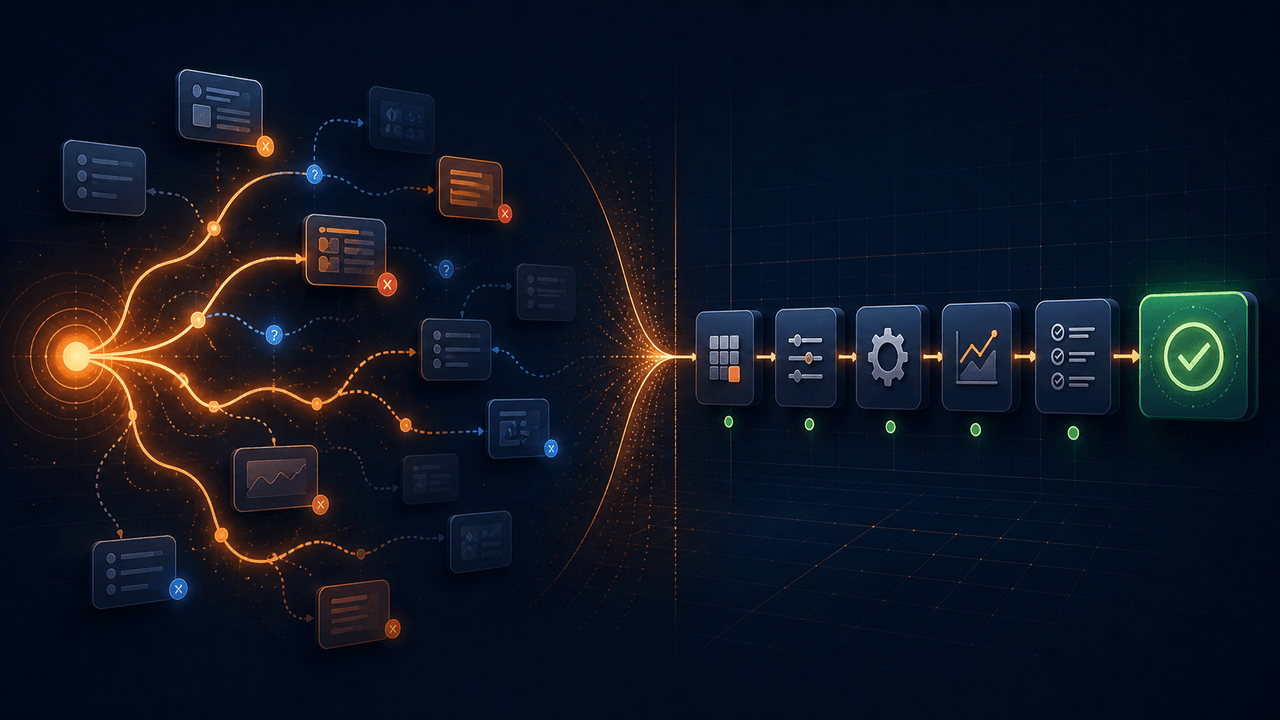
AI agents are useful when the next action is uncertain. Deterministic workflows are stronger when approved work must run repeatedly. Learn when to use each.

A model dropdown is not a complete BYOM architecture. Portable AI automation must normalize protocols while preserving each provider's real capabilities and limits.
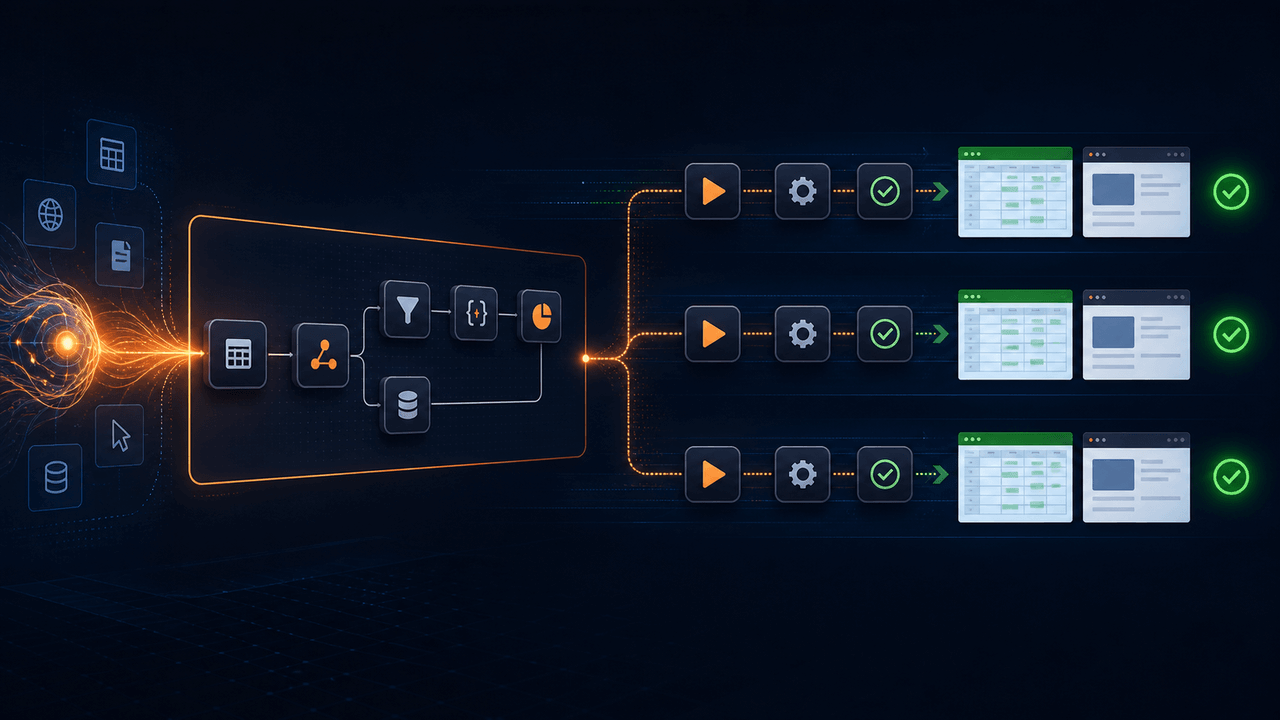
Use AI when reasoning adds value, then run approved visual workflow steps repeatedly without paying a model to rediscover the same actions every time.
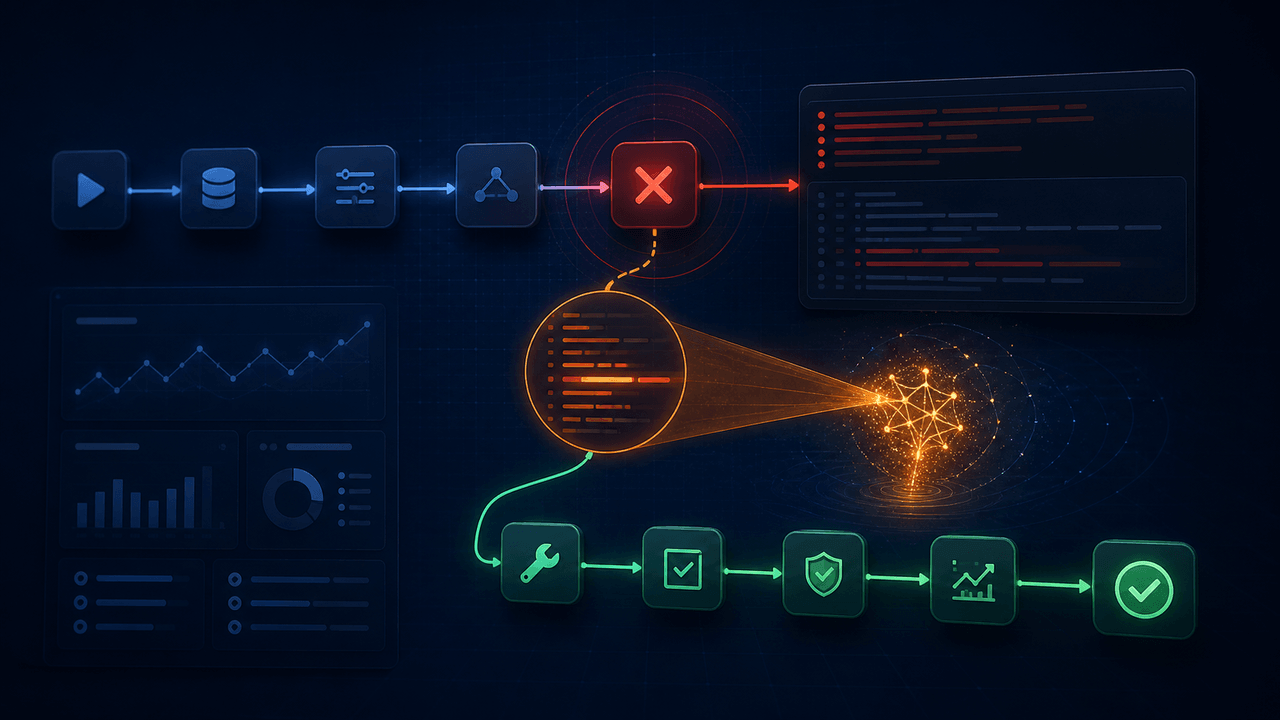
An error message names a symptom. Give AI the workflow and execution evidence it needs to identify the root cause, propose a narrow repair, and verify the result.
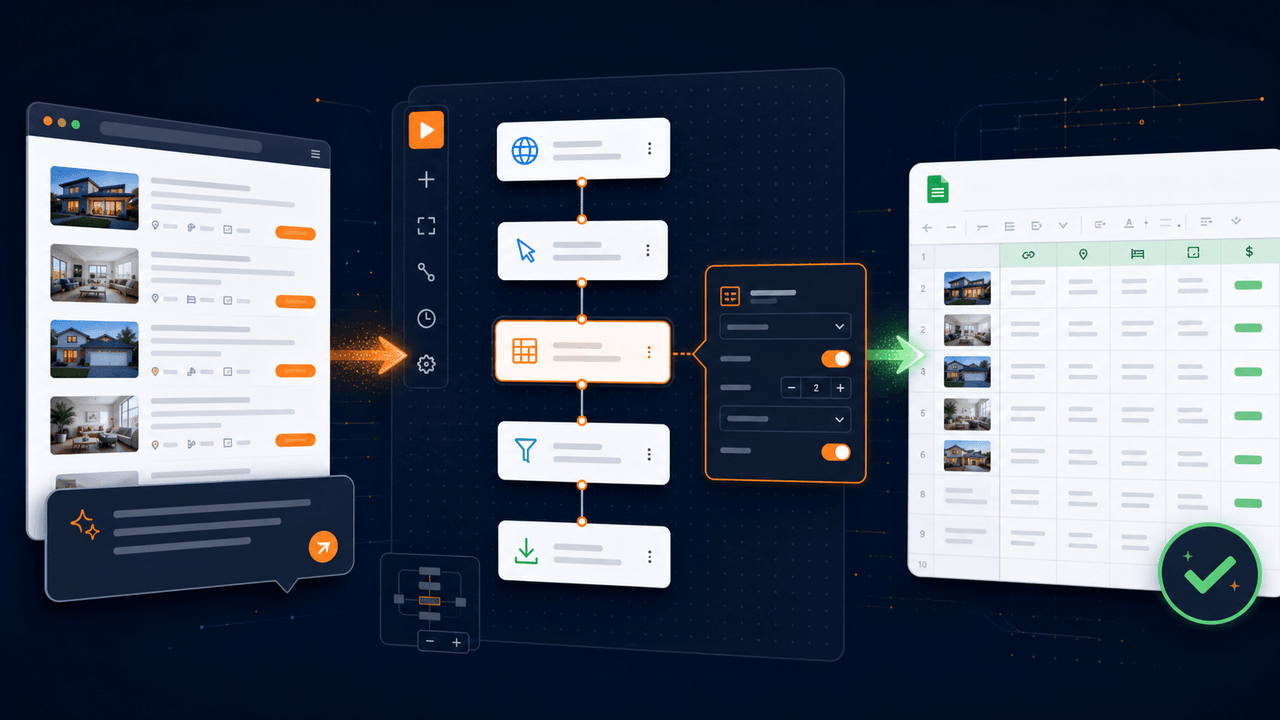
Turn a plain-English browser task into a visual workflow you can inspect, test, repair, and run repeatedly without surrendering control to a black box.
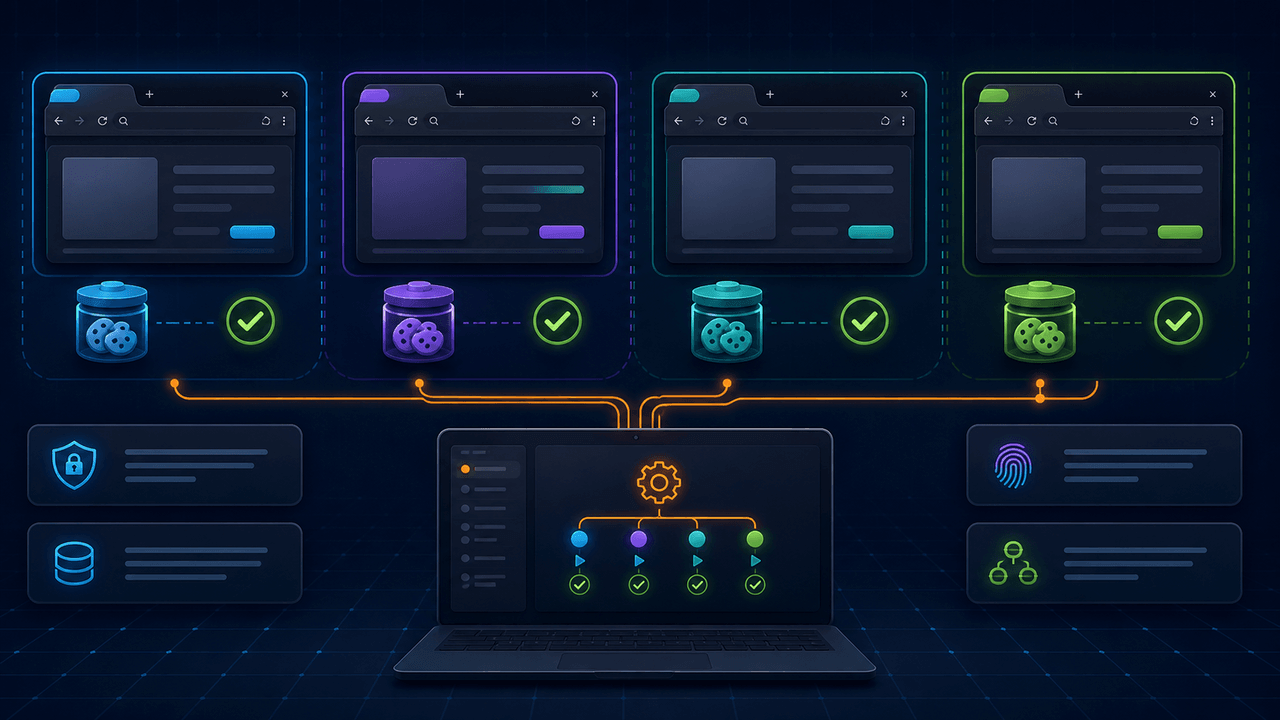
Running multiple browsers at once is not just a concurrency problem. Session isolation, stopping rules, rate control, evidence, and recovery determine whether it works.
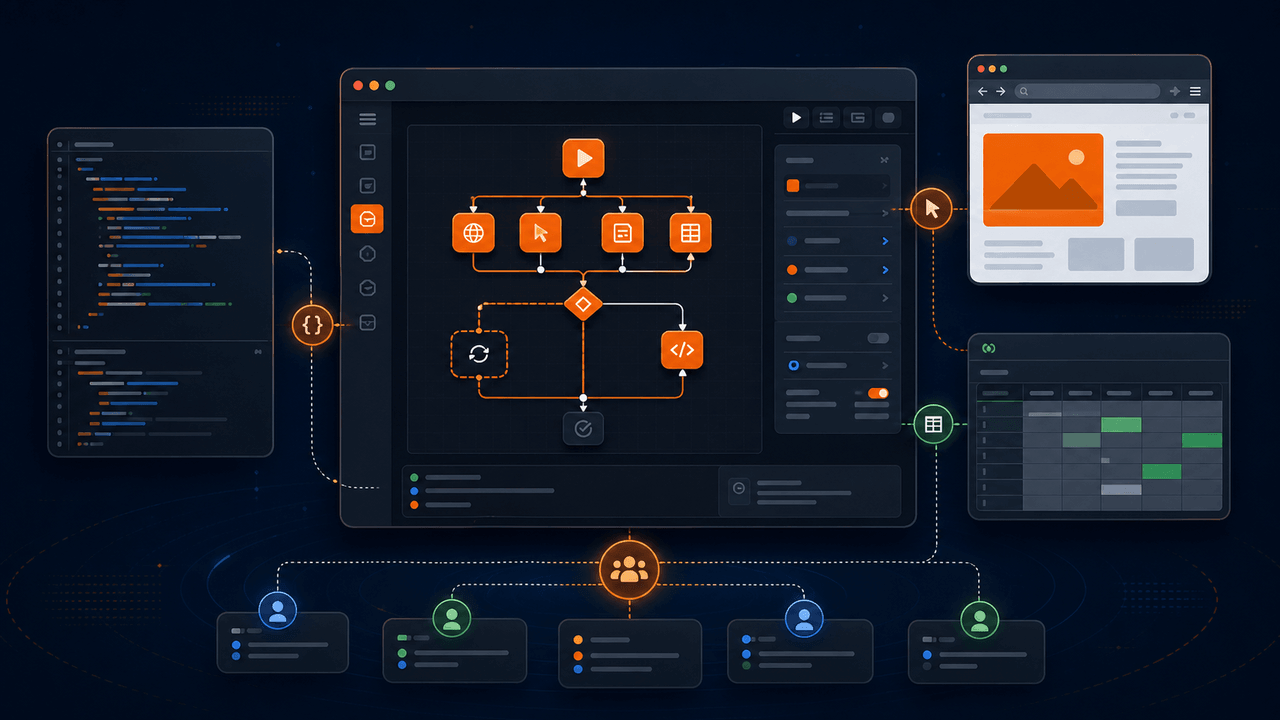
Inspect, run, modify, and contribute to an AI-assisted visual automation client built for editable browser and spreadsheet workflows.